


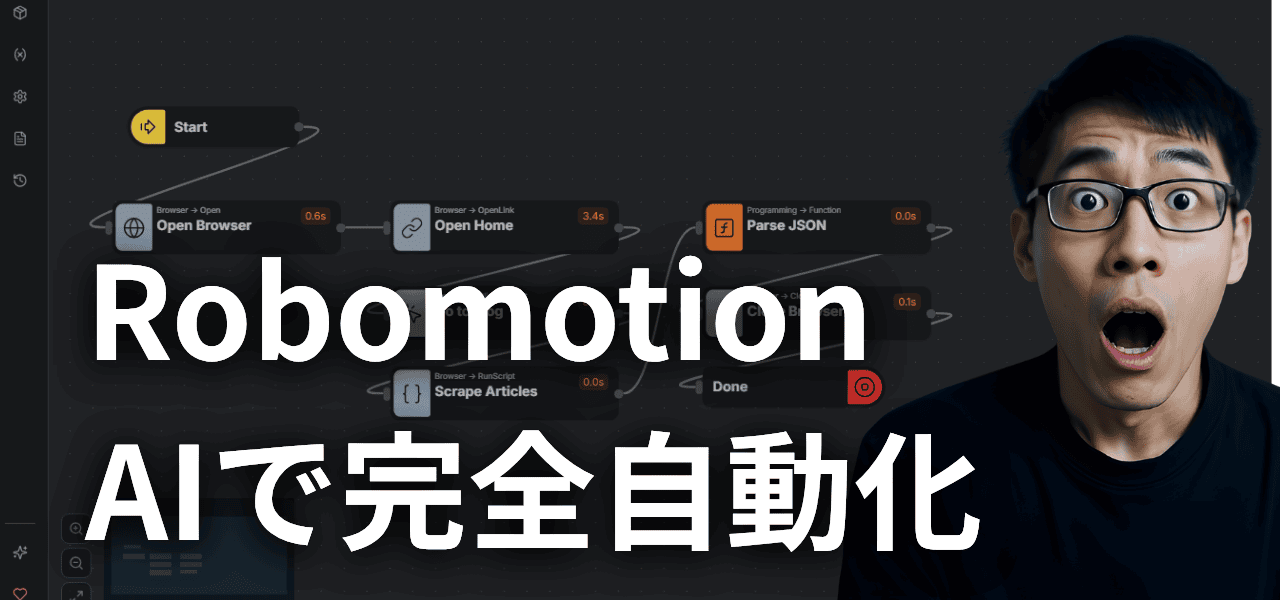
AI automation. Such an appealing ring to it.
If you could automate all those troublesome tasks...
Daily routines, business communications, even tax returns... I want to automate everything.
I totally understand that feeling.
Personally, I've looked at trending tools like OpenClaw, Claude Code, and Manus.
Can these actually automate things?
No. They still can't do the kind of automation you are expecting.

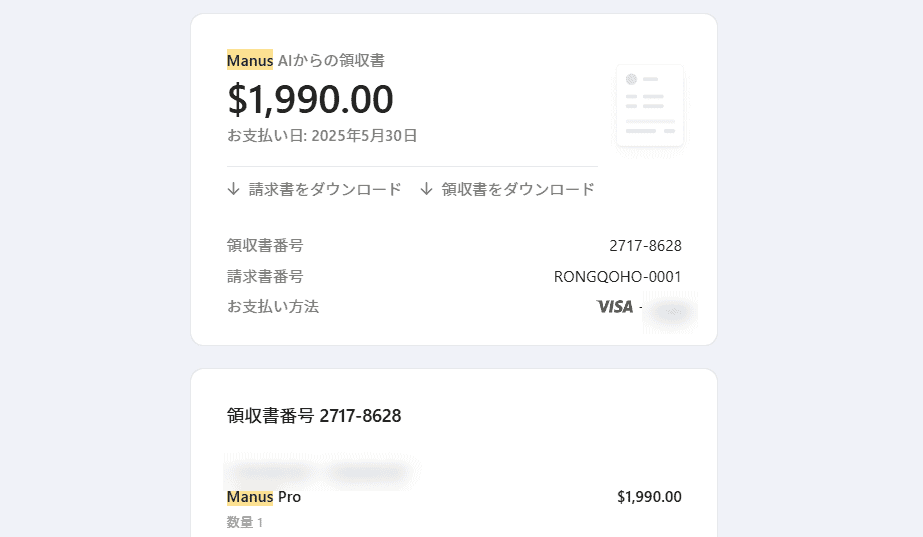
I, who pay for premium subscriptions and keep using them, can state this definitively.
So, can't you automate your own business? Is it impossible to earn automatically?
What makes that possible isRobomotionis.
It can automate most of the tasks humans do, such as browser operations, file uploading, and downloading.
Furthermore, with the newly equippedAI assistant feature, if you instruct the "automation you want to do" in text, it will create the automation flow for you.It has become.
Here, I will organize the process of having Robomotion make an automation flow with AI and how it actually operates so you can get an idea.
- 1 Why Robomotion's new feature is "insane"
- 2 How to set up Robomotion × AI Agent
- 3 Instruct the automation you want to create via chat
- 4 Why Robomotion's automation is useful
- 5 What happens when you run it? (From browser operations to element extraction)
- 6 The generated flow can be run "as many times as you like"
- 7 Points to keep in mind before implementation
- 8 Summary: Automation with Robomotion changes from "assembly work" to "delegation"
Why Robomotion's new feature is "insane"
Please watch the video above to see it in actual operation.
Robomotion up until now was hard to use...
To be frank, beginners couldn't use Robomotion in the past.
To automate, you had to build automation steps one by one.
Set up automation elements by right-clicking as shown in the image below,

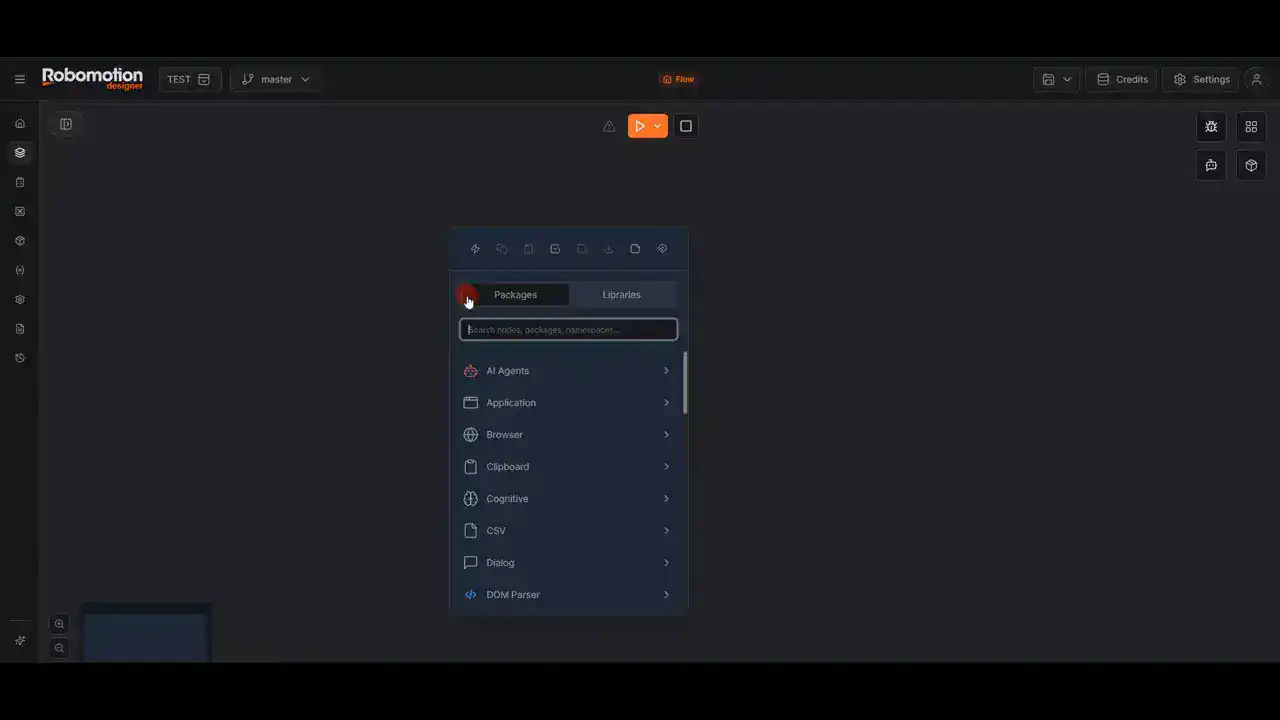
opening a browser, opening a link, and so on—the so-calledtype where you manually build the flowis.

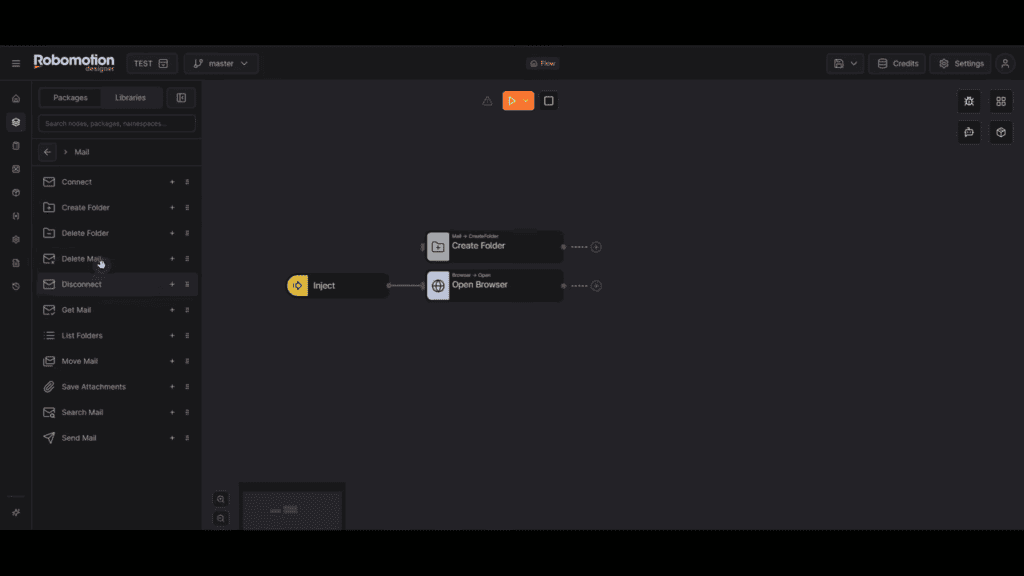
Designing automation on the screen... what do you think?
Frankly speaking, Robomotion is too difficult to use... don't you think?
There were such voices as well.
Plus, the UI is in English. That quietly becomes quite stressful, doesn't it?
That's why the newly equipped AI agent feature has been introduced.
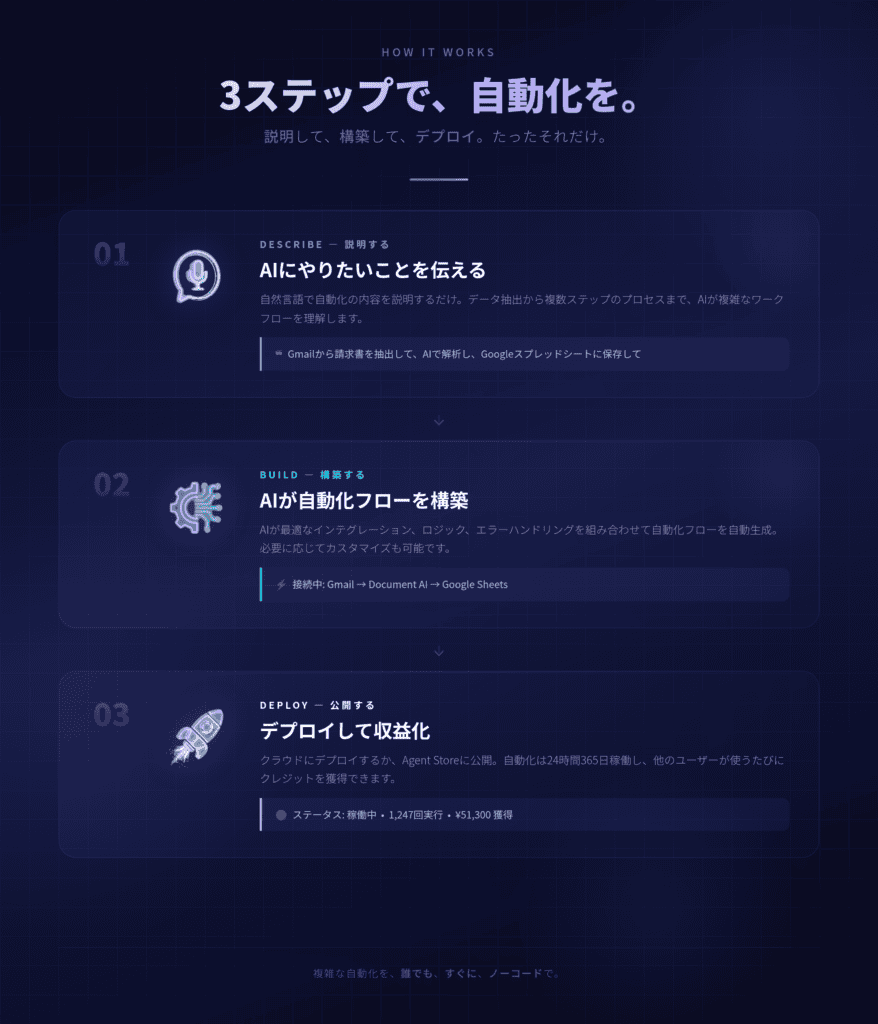
Easy with AI features! Automation is completed in 3 steps

It's no lie.
- Send what you want to automate via chat
- AI designs the necessary processing steps and generates the flow
- Capable of executing everything from browser operations to popup handling
What you mean"Make AI create the automation blueprint"Such a thing is possible.
How to set up Robomotion × AI Agent
"Create automation with AI"
No way. Can it automate my work too? Go ahead and try.
Yes, let's try it. But before that, I will explain the setup method.
Connect the API key

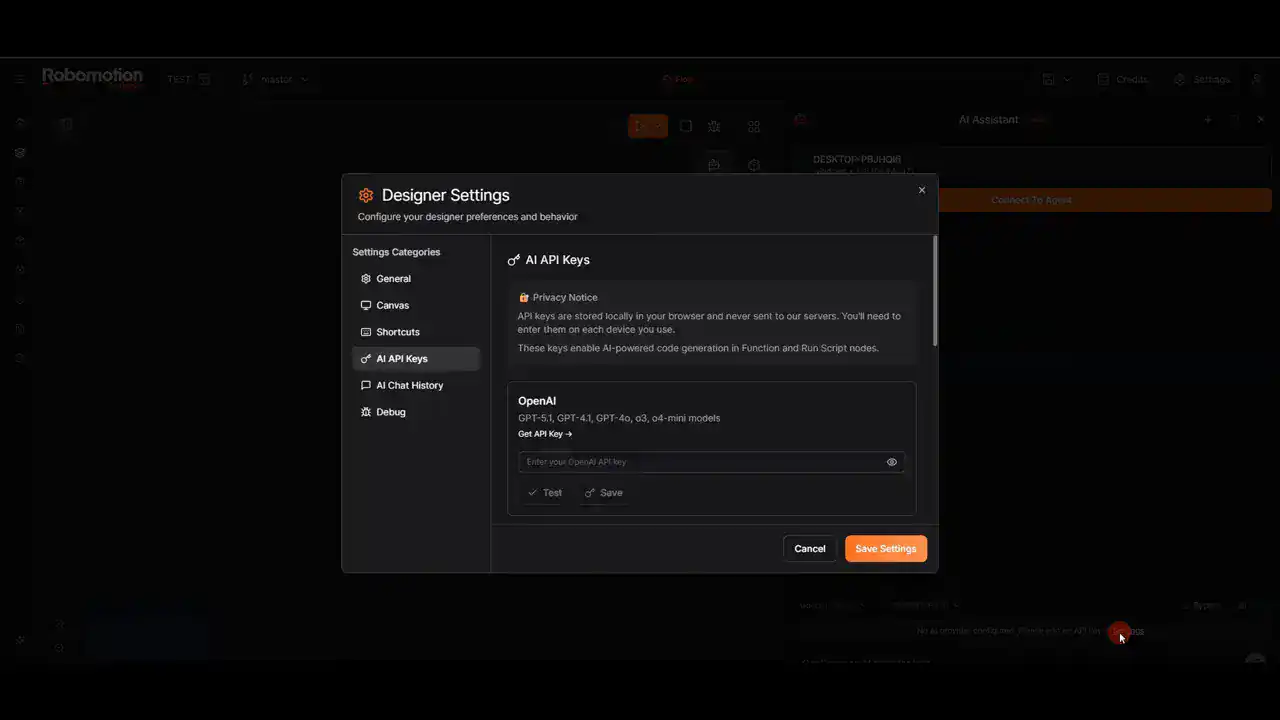
To add AI features to Robomotion, an API key is required.
Once you set the API key, automation easily launches in Robomotion.
"API key? I've never used one. Sounds difficult."
No, no, the steps are simple. Just as below.
Procedure Overview
- On the Robomotion settings screenAI API keyEnter
- Select the provider to use (e.g., OpenRouter)
- Issue and copy the API key, then paste it
- Test and save
- Connect to your robot's agent
Roughly speaking, generate the necessary API key↓

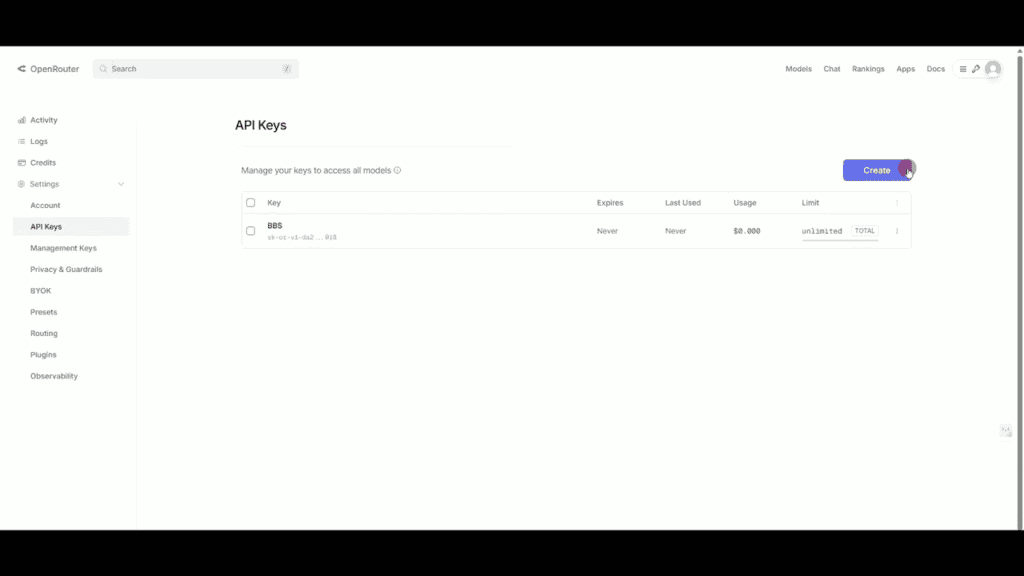
And just copy and paste without hesitation, and save.

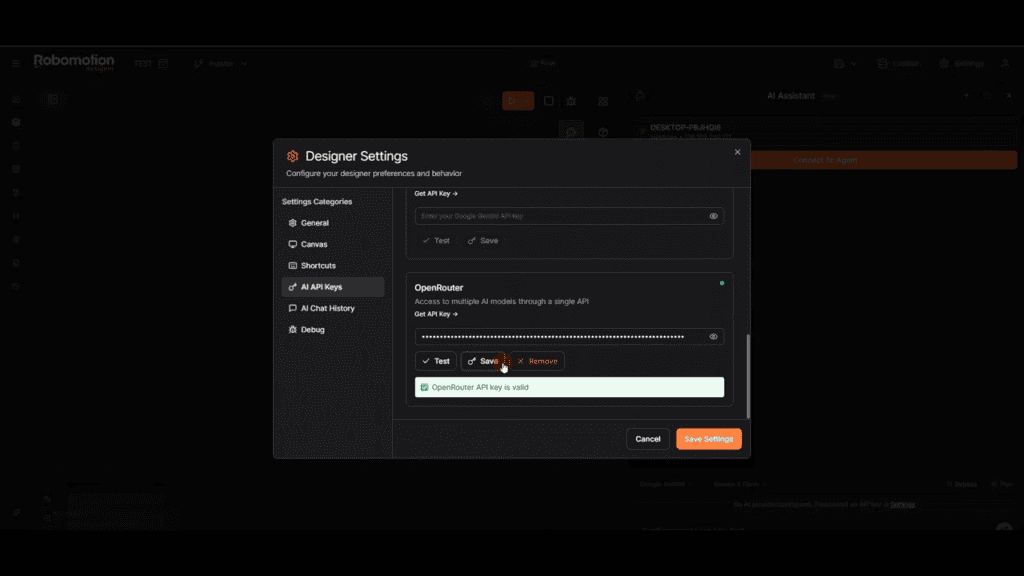
It's super simple. If you don't understand, ask me. I will answer within what I know.
Open the chat and select a provider

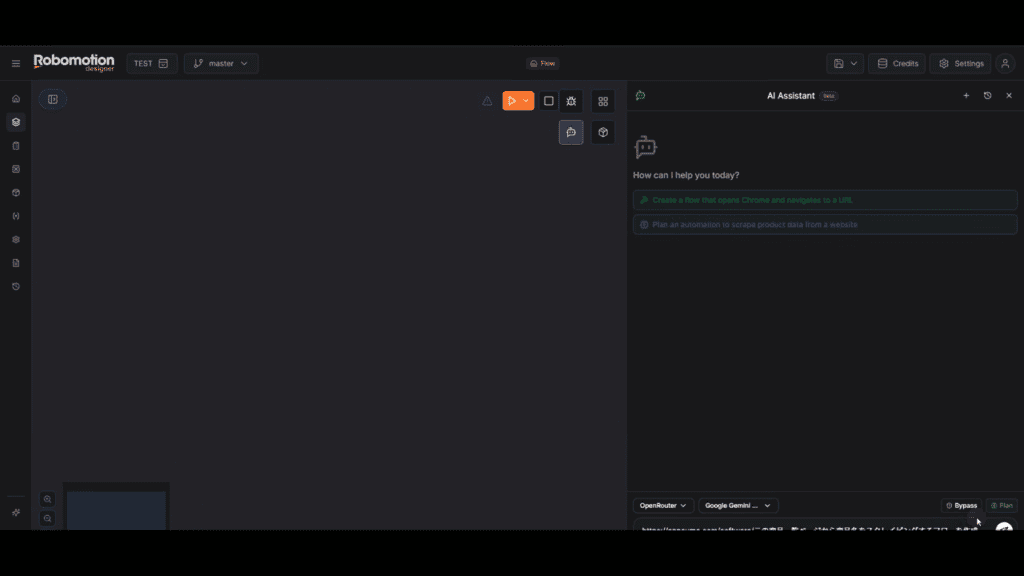
Sorry for the dark and hard-to-see image ↑
There are fields at the bottom right to select the provider and model.
Please select the AI provider and AI model you connected earlier.
For example, I issued an API key on OpenRouter. So I selected OpenRouter as the provider. Then I selected the model I wanted to use under AI Model.
That's the end of the setup.
Instruct the automation you want to create via chat
Next, type the automation you want to create into the chat in Robomotion and send it.

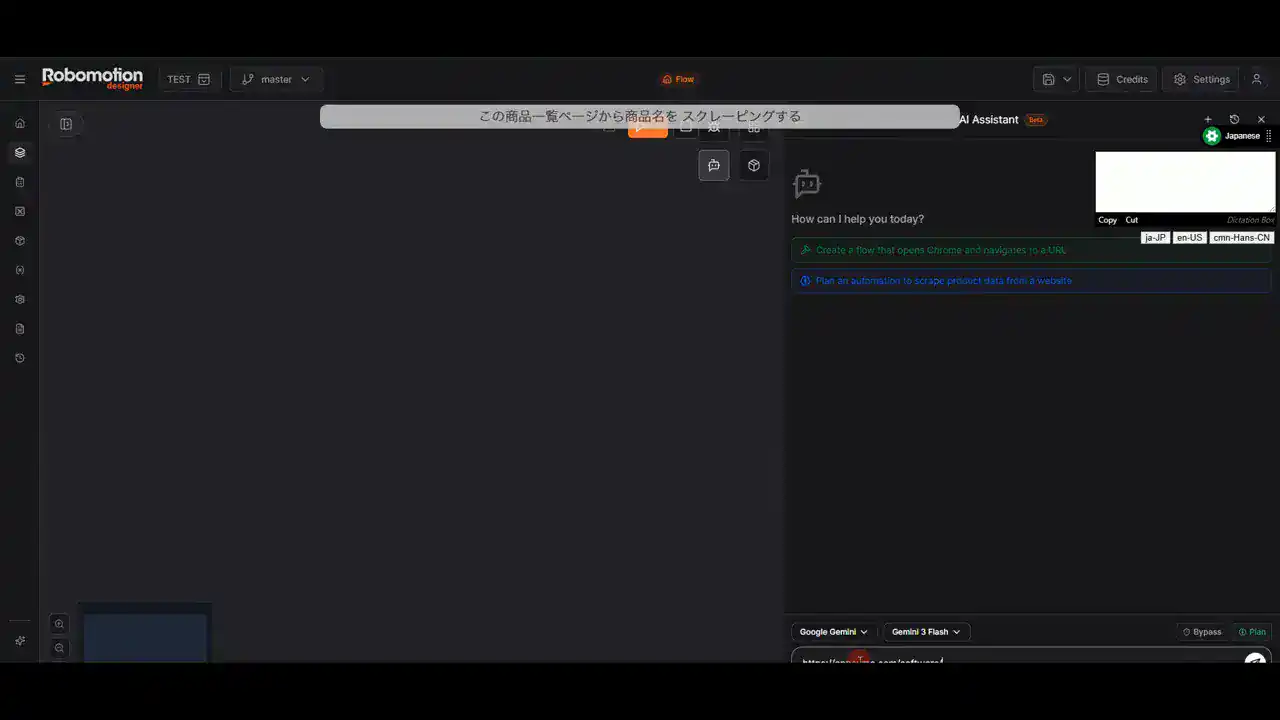
The example introduced in the video is from a product page on an overseas site called AppSumoScraping each product nameThis is a case of creating a flow to do that.
Image of the request content
- Paste the target URL
- What I want to do is "Please scrape the product names"
- Request that by saying "Create a flow"
Why Robomotion's automation is useful
The important point here is that Robomotion doesn't just do a "one-off shot on the spot",it builds and saves it as an automation flowwhich is the point.
For example, if you instruct "Please automate task A",
other AI agents cannot automate it as desired. They mostly fail.
Even if it succeeds, they might fail the next time you try to have them automate the same task...
However, with Robomotion,once the blueprint is created, you can use the same flow a second and third time.
As a resultit is easy to gain a cost advantage through continuous operationwhich makes sense.

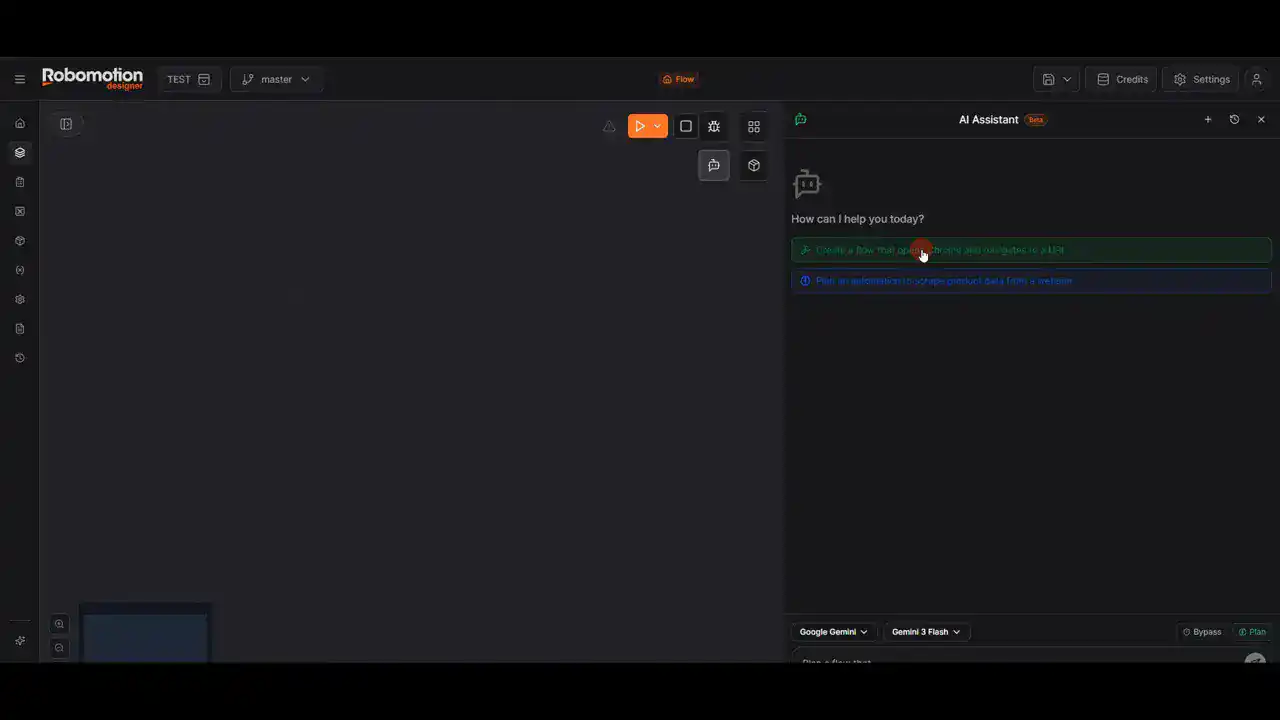
What happens when you run it? (From browser operations to element extraction)
When you submit the request, Robomotion starts thinking internally. Then, the browser actually launches and opens the specified page.

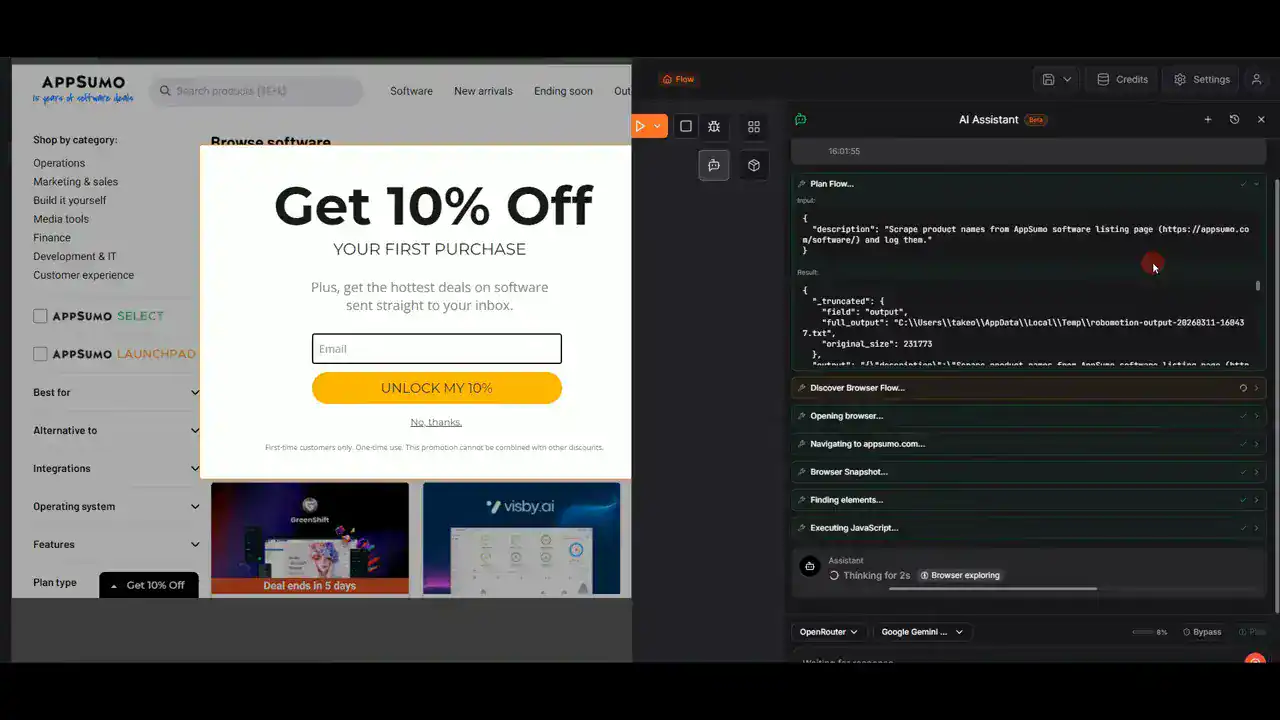
In the video, it showed how it processes even popup banners on the page while identifying "elements" to find the product names.
- Open the browser
- Display the specified page
- Handle distracting UIs such as popups
- Analyze and extract the target from the product name elements.
- If there are no problems, start creating the flow.
And what was generated wasThe automation flowitself. It is created in a form that can be checked later, without manual assembly.
The generated flow can be run "as many times as you like"
Finally, the execution flow. When you start automation by launching the robot locally, the series of tasks to open the specified product page and scrape the product name is repeated.
This "repeat premise" design is what differentiates it from one-off automation tools or mechanisms that end with just a chat.
Cases where Robomotion is a good fit
- Frequent routine tasks in the browser (login, navigation, input, button operations)
- Extract data from the site (including identifying and extracting elements)
- Want to repeat the same task for operation
- Want to reduce the burden of English UI and procedure assembly
Points to keep in mind before implementation
Since Robomotion is based on the idea of "creating automation flows with AI," it's helpful to keep the following points in mind from the start for a smoother experience.
- Make the request specific: Clarify the URL and the desired outcome (e.g., obtaining the product name).
- Post-generation confirmation: Modify the flow created by AI if necessary.
- Assume the number of operations: Consider the flow as reusable once created.
Summary: Automation with Robomotion changes from "assembly work" to "delegation"
The appeal of Robomotion lies not only in its ability to automate human tasks such as browser operations, uploads, and downloads, but also in the fact thatThe flow is generated simply by asking the AI assistant to "create an automation flow for XXX"This is the key point.
It reduces the effort of manually assembling complex procedures while allowing the created flows to be reused. I believe this is the key to advancing from "trying out" AI automation to "operating" it.
Please try starting with small automation tasks first.


By the way, for a limited time, Robomotion is offering a campaign to purchase it outright for approximately ¥18,995 in Japanese yen!
Pay only once. It's a complete one-time purchase. There are no monthly subscription fees.
Please take advantage of this opportunity to get it.















Leave a Reply