


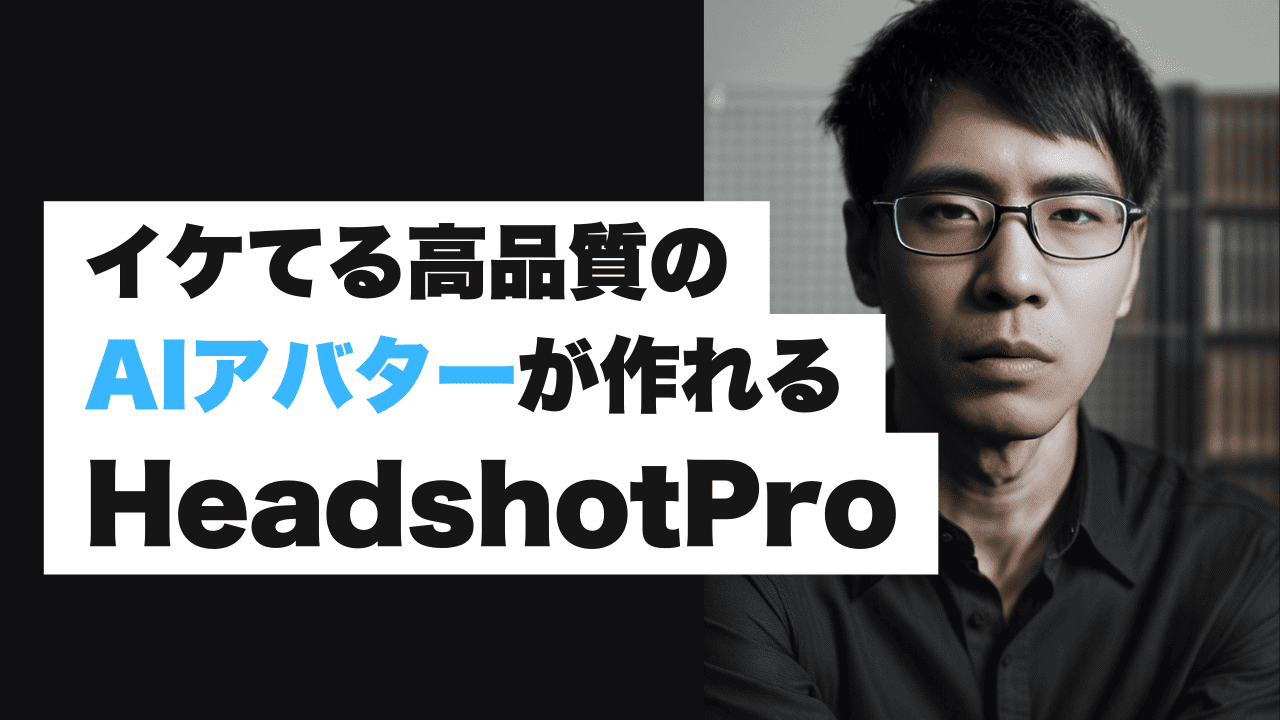
AI avatars have become popular these days. You can now easily create an AI avatar of your own face with a smartphone app. There are many apps that allow you to create AI avatars for free.
However, typical AI avatar apps are not for businesses.
- Anime style
- Deformed
- The background is a beach or outer space
- The quality is not good
If you are looking for a headshot and AI avatar that you can use for your business, this article is for you.
This time, we will introduce an AI avatar creation tool that allows you to easily create high-quality face photos for your business「HeadshotPro」is.
With this tool, you can create AI avatar photos with a quality that is indistinguishable from the real thing.
What is Headshot Pro?
I actually created my AI avatar. Please see the image below.

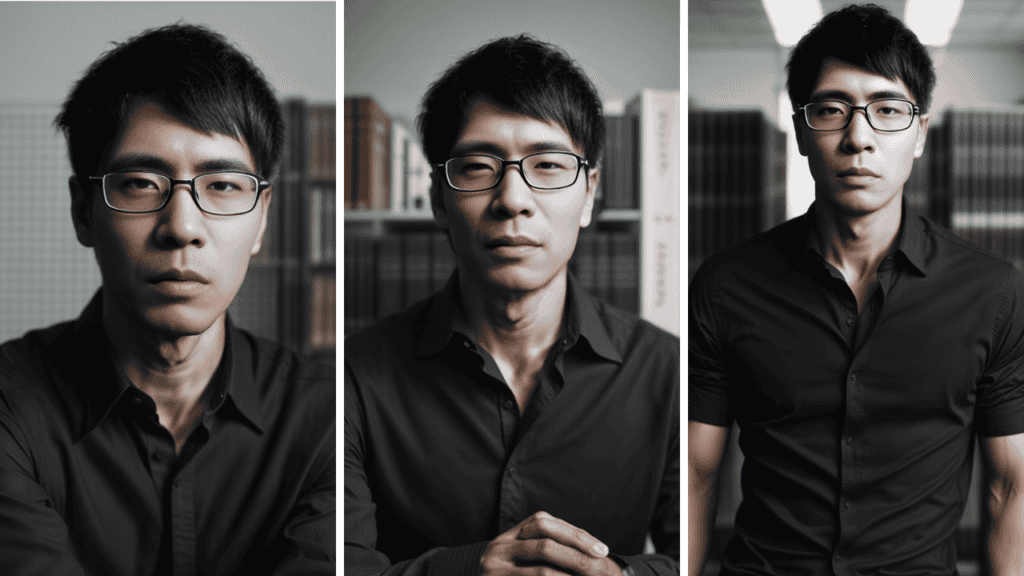
How is this. It's a good feeling, isn't it? It certainly feels like shooting in a studio.

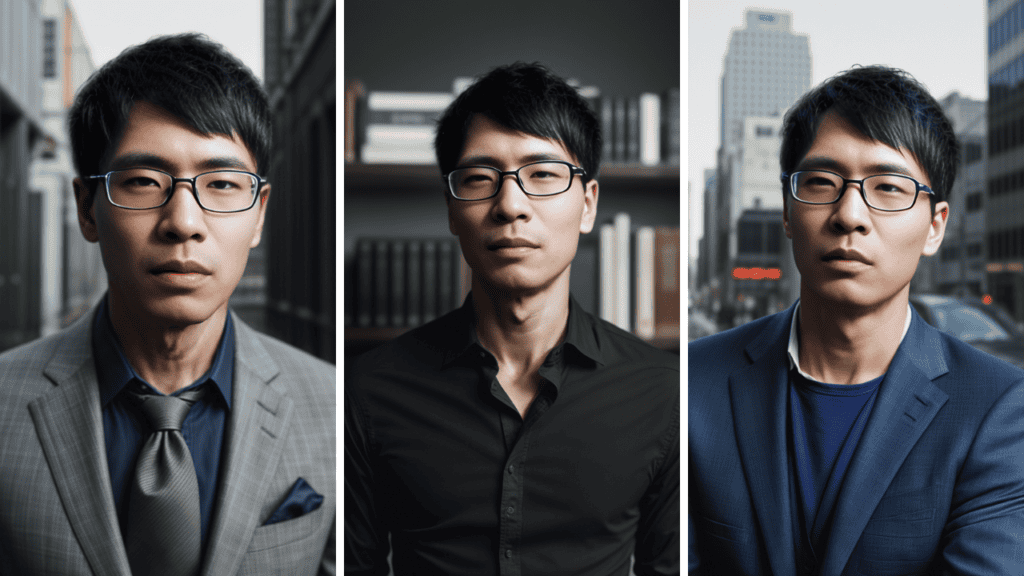
In this way, you can also specify the background and clothing.
The generated photo of my face doesn't feel unnatural.
Simply upload a photo of yourself and create a professional-looking photo from the comfort of your own home.
As much as it is paid, it is of considerable quality.
How to register for HeadshotPro
Using Headshot Pro is easy. FirstOfficial websiteaccess.

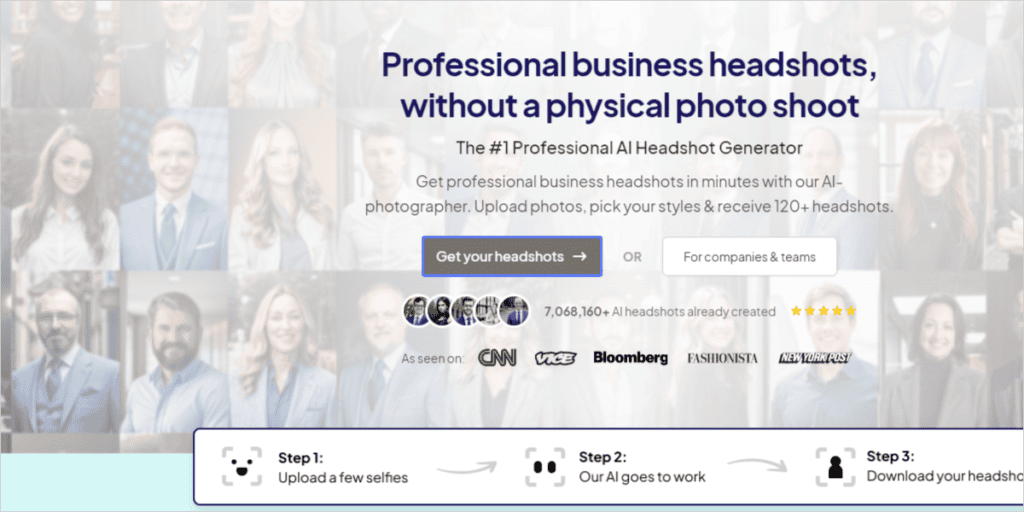
Click Get your headshots.
This will take you to the account registration screen.

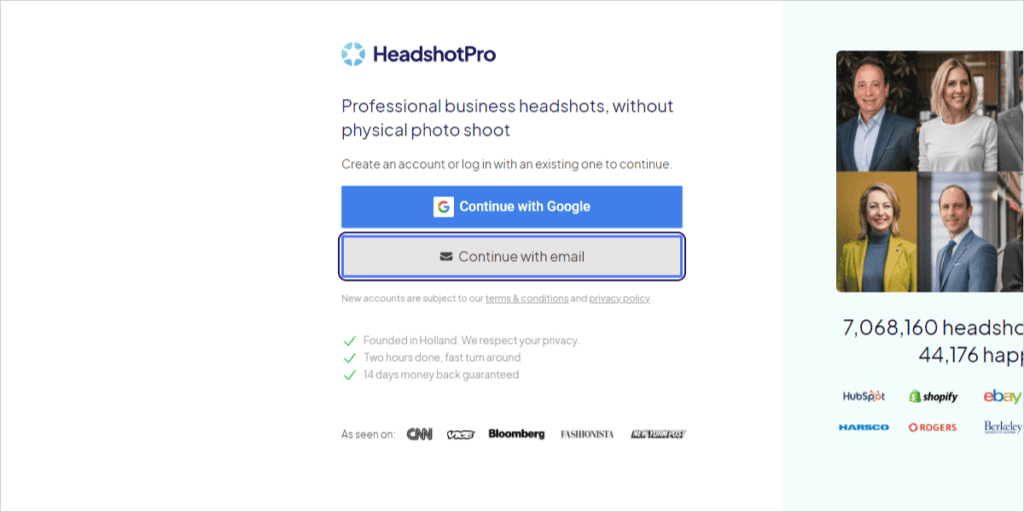
Click Continue with email.

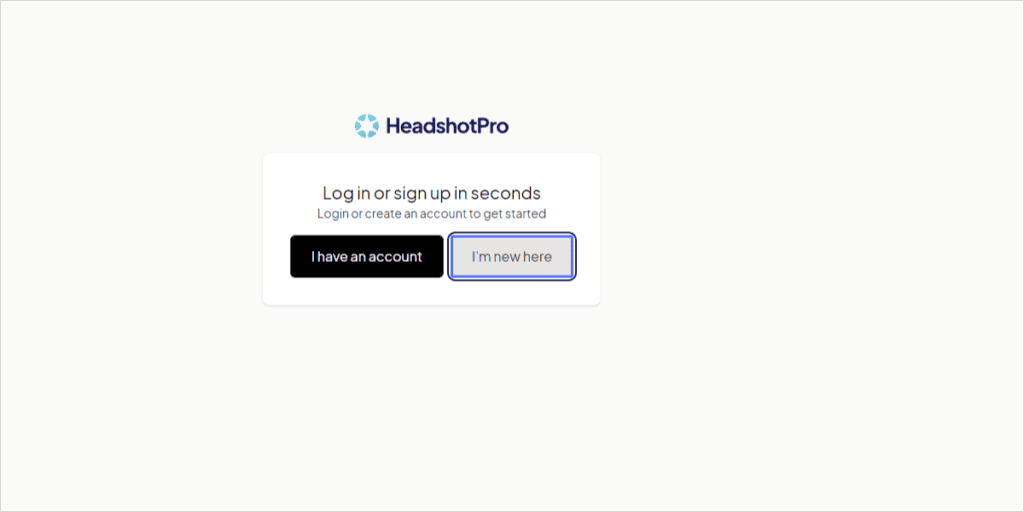
Click "I'm new here".
Select "I have an account" only if you already have an account

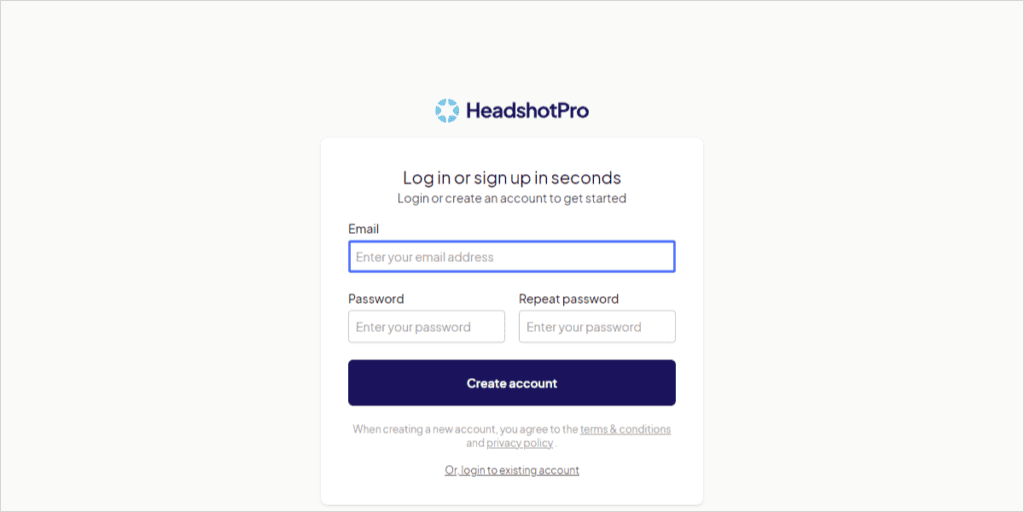
- Password
- Repeat password
Then click on the "Create account" button.
Your registration is now complete.
Now, let's explain the steps to actually use HeadshotPro to create a photo of your face with AI.
How to use Headshot Pro

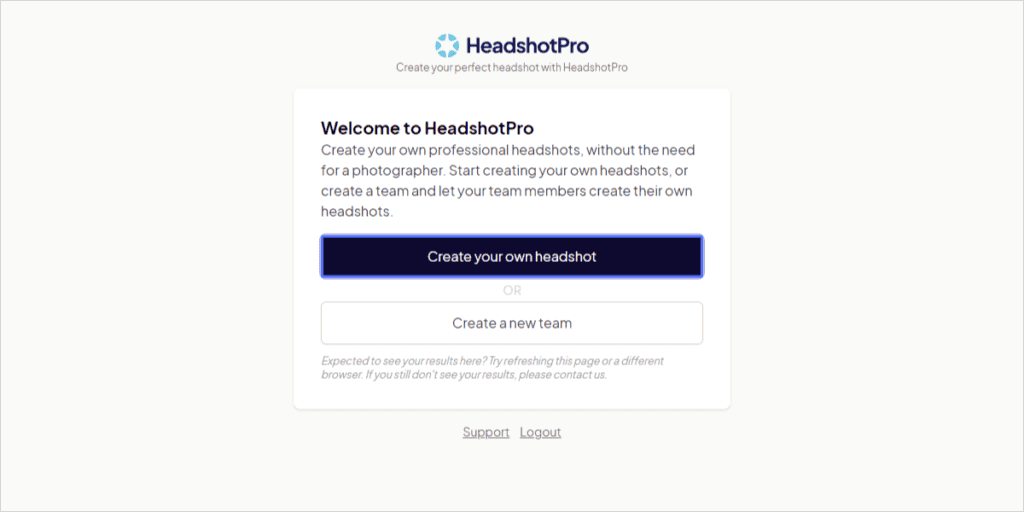
When this screen appears, click "Create your own headshot".

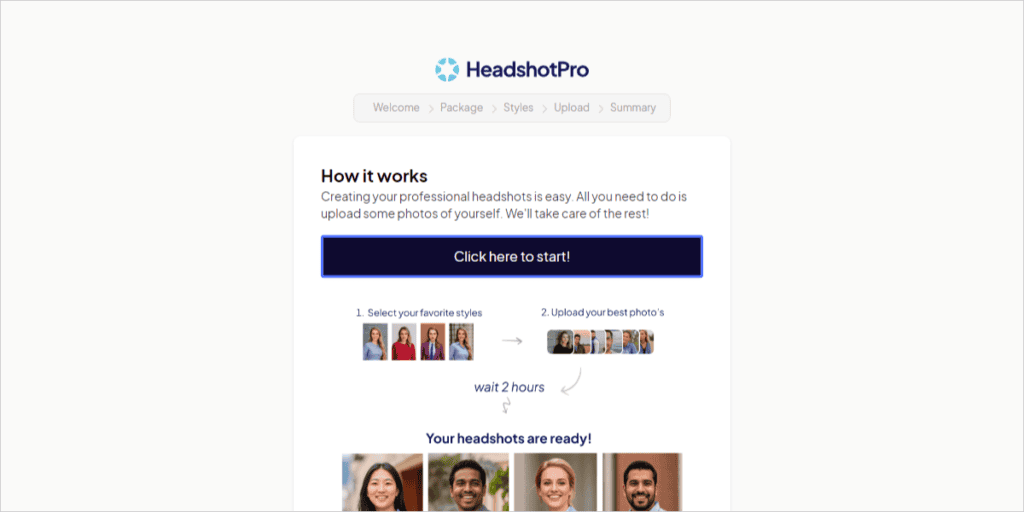
「Click here to start!」 button.

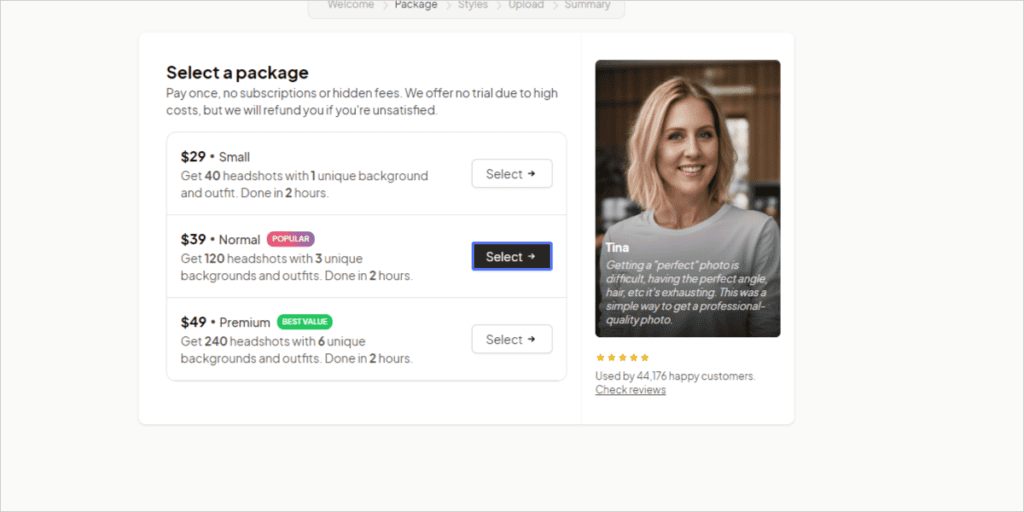
Select a pricing package.

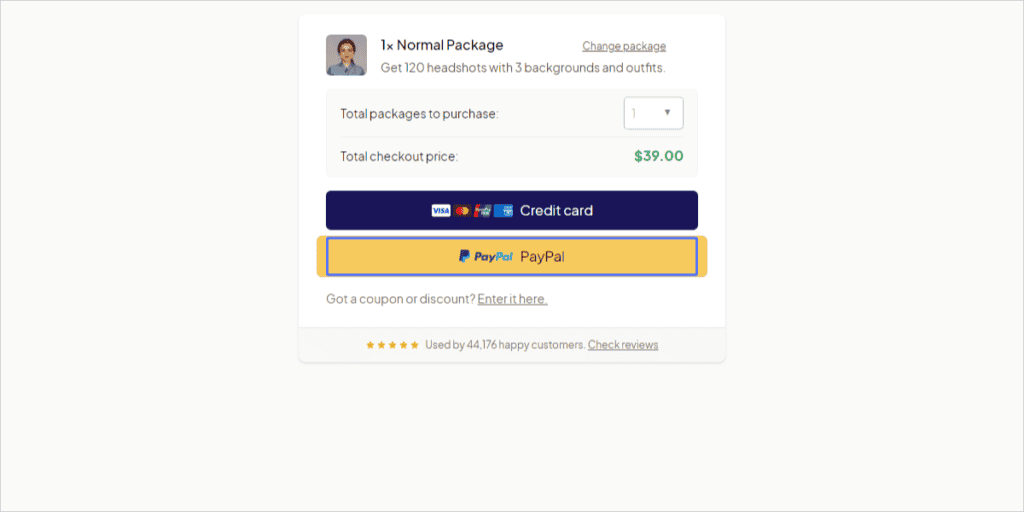
This will take you to the payment confirmation page.
- Credit card (Stripe)
- PayPal
You can choose from these two payment methods. If you are unsure about using it for the first time, we recommend using PayPal.

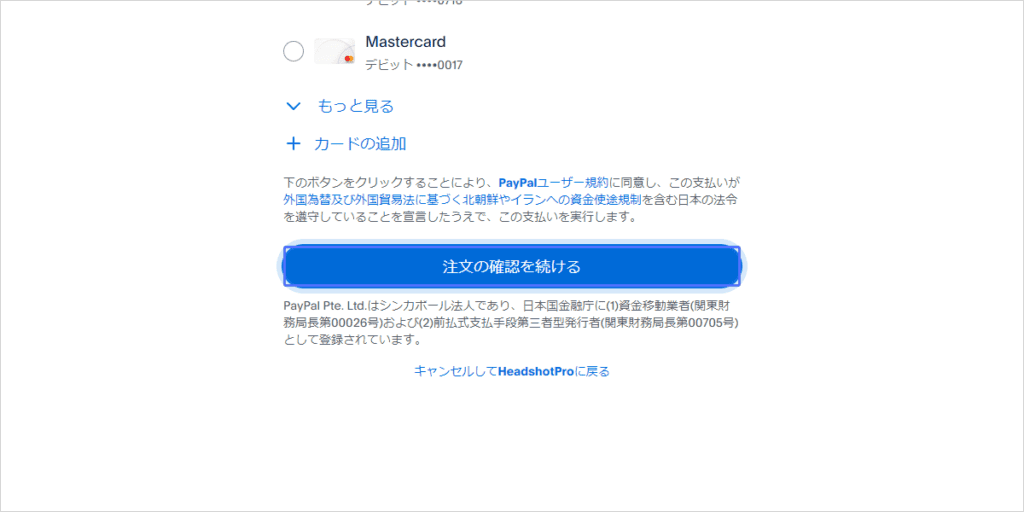
I actually paid with PayPal.
Your payment is now complete.
Once you have made the payment, you will be able to create AI photos with HeadshotPro.

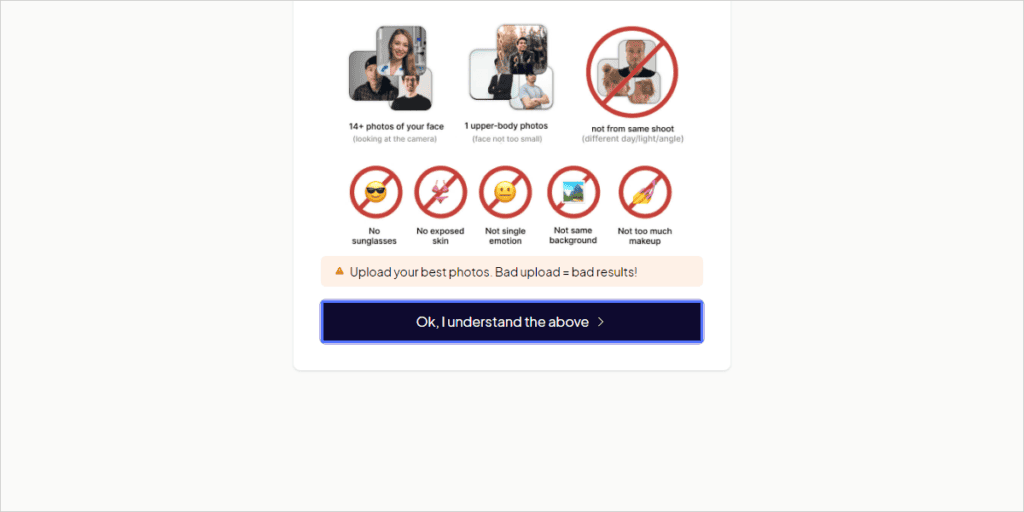
Click on the button that says "Ok, I understand the above".
Then click Select backgrounds.

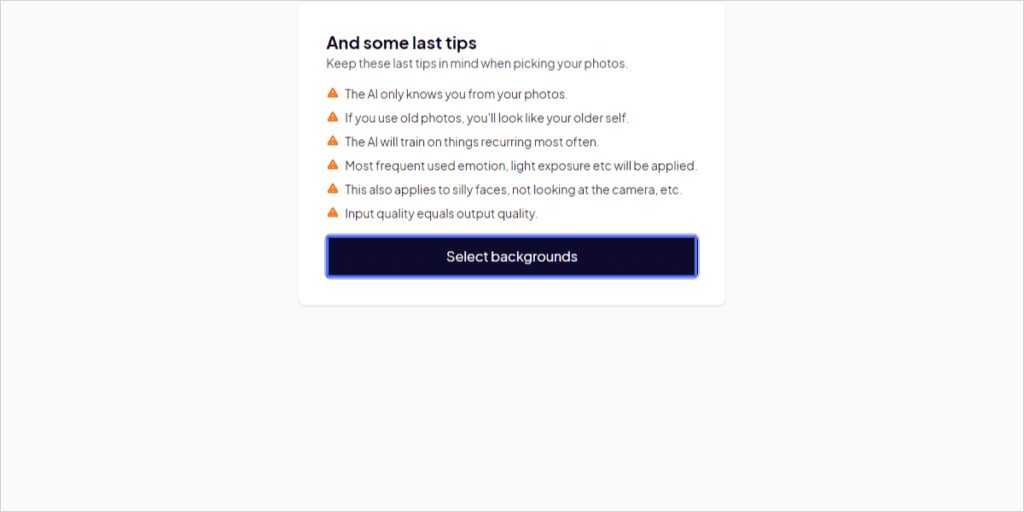
A page will open where you can choose the AI avatar background, image, and outfit.

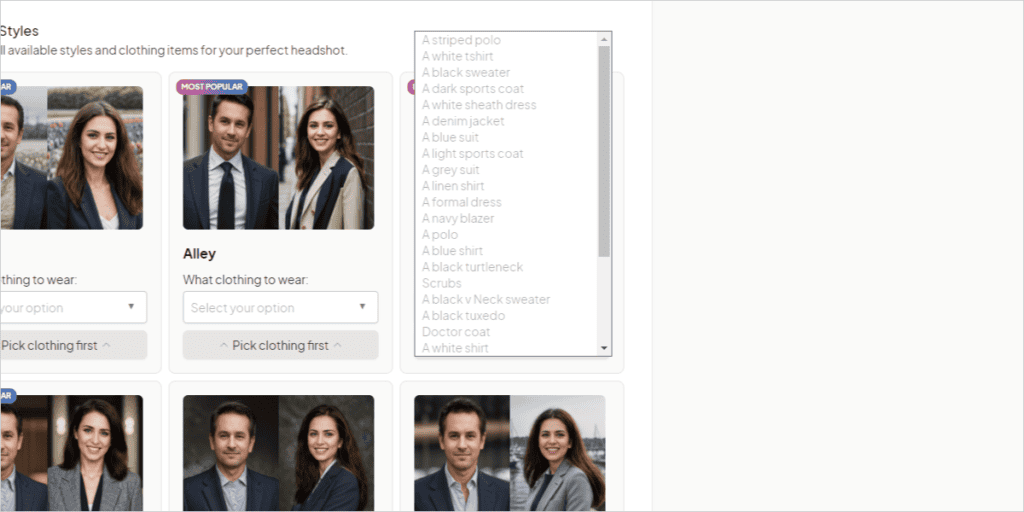
A variety of outfits are available. Here, an AI avatar image will be created with the outfit you choose.
- Polo shirt with stripes
- White T-shirt
- Black sweater
- Dark sports coat
- White Sheath Dress
- Denim Jacket
- Blue suit
- Sports coats in bright colors
- Gray suit
- Linen Shirt
- Formal dress
- Dark blue blazer
- Polo Shirt
- Blue Shirt
- Black turtleneck
- Scrub (medical uniform)
- Black V-Neck Sweater
- Black Tuxedo
- Doctor's coat
- White Shirt
- Bohemian style off-the-shoulder dress
- White Shirt Dress
- Black Shirt
- White Henry Shirt
- Grey cardigan
- Dresses
- A-line white dress
- White wrap dress
There are also multiple patterns of backgrounds.
- Tulip field
- Alley
- In the office
- Hotels
- Gray background color
- Sea
- Garden Garden
- Windows
- Bookshelf
- French rooftops
- Real Estate Agent
- Fence
- White background
- Cafe
- Park
- Building
- Yellow
- Red Brick
- Blue background
- Lake
- Golden Gate
- Yellow brick
- In the street
- Kitchen
You can freely mix and match outfits with backgrounds to create your own AI photos.
This time, I chose three styles in the plan I chose.

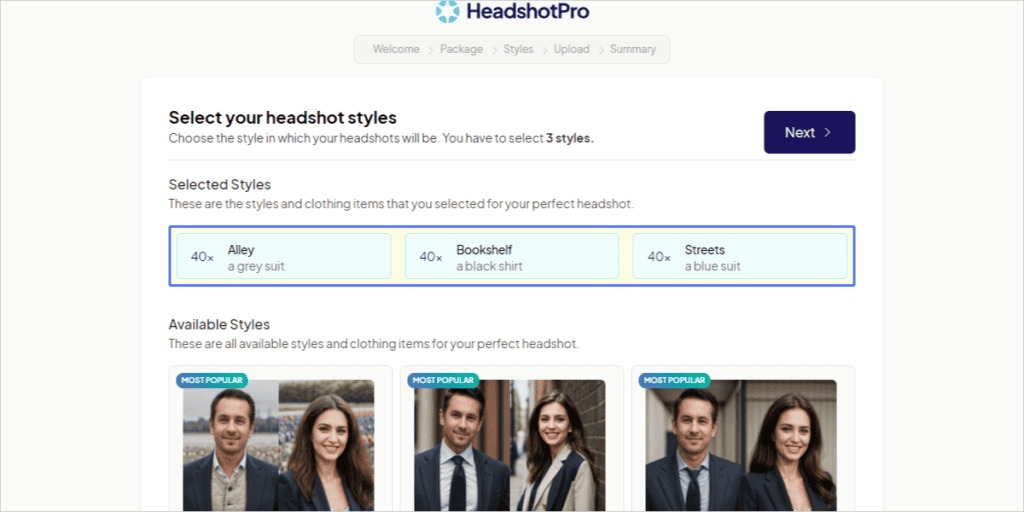
Once you have selected three, click the "Next" button in the upper right corner.

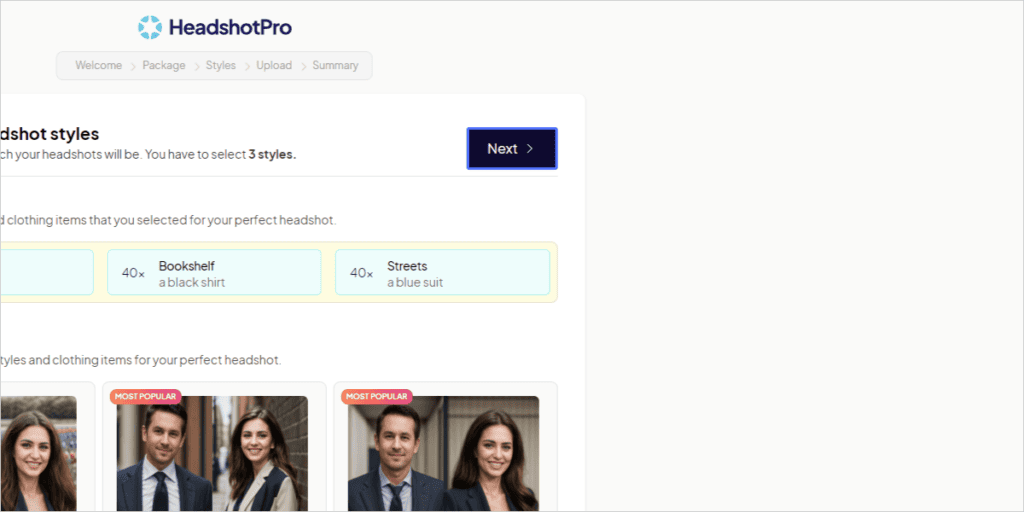
On the next page, select the following:

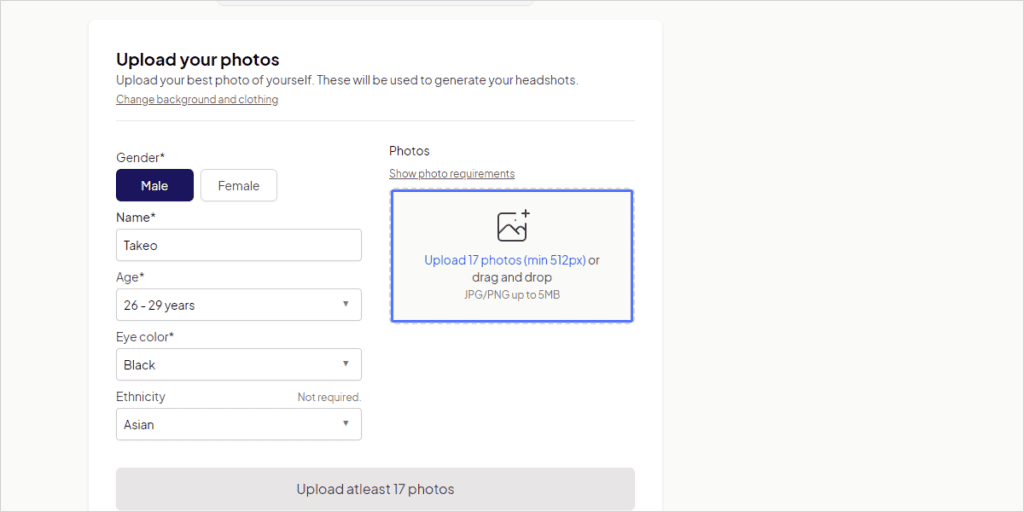
- Gender
- Name
- Age
- Eye color
- Ethnicity
Japan should choose Asian in Ethnicity.

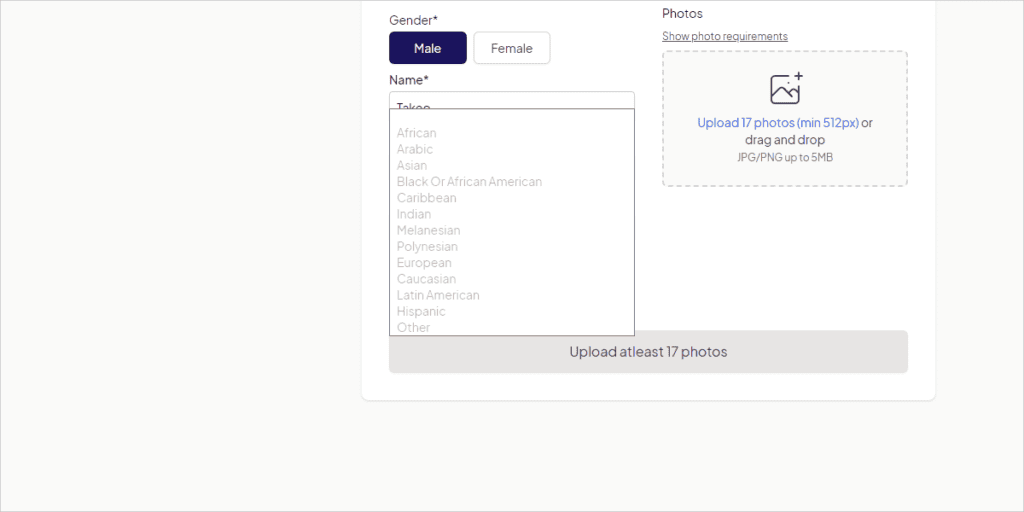
Next, upload a photo of yourself in Photos on the right.

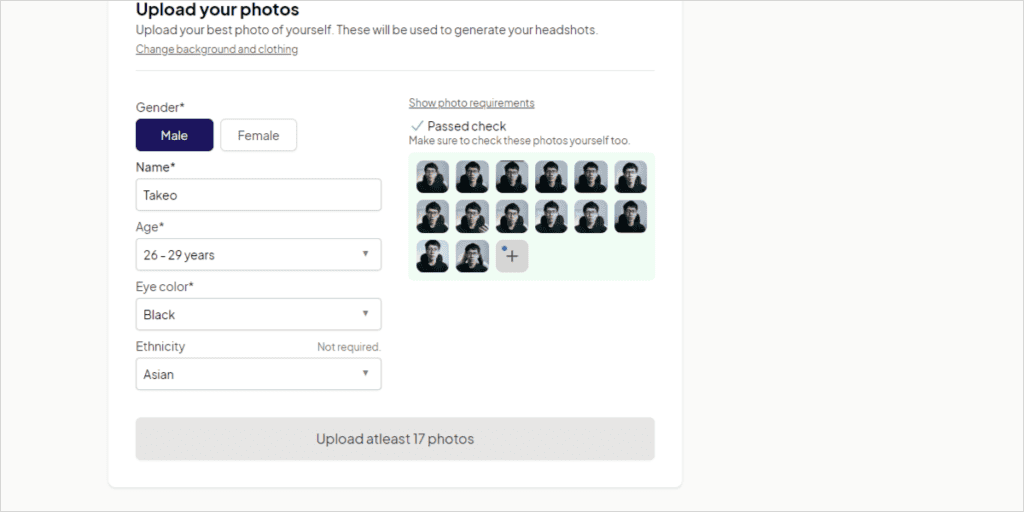
JPG, PNG, WebP, and HEIC image file formats are available for upload.
By the way, if you upload your own photo, the "unusable photo" will be automatically rejected for creating an AI avatar.

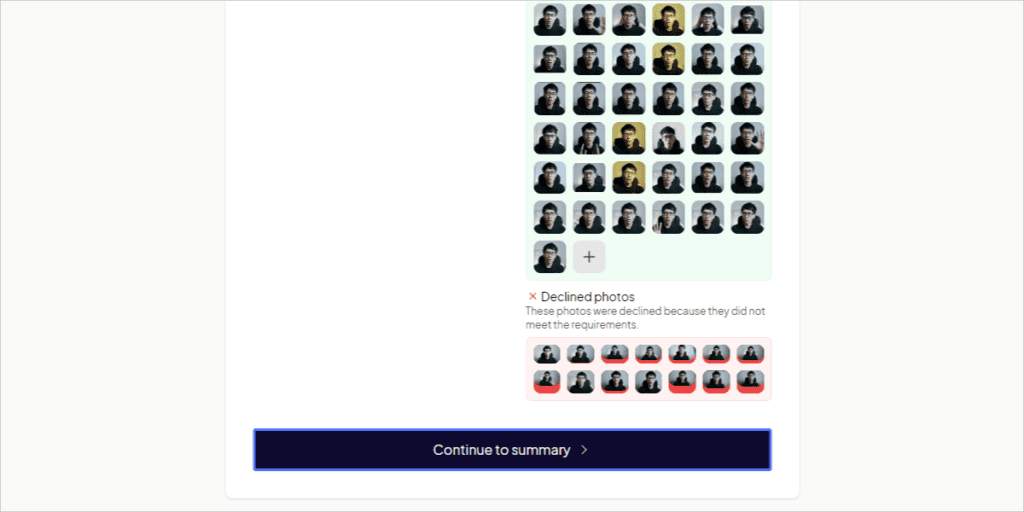
After uploading, click the "Continue to summary" button.

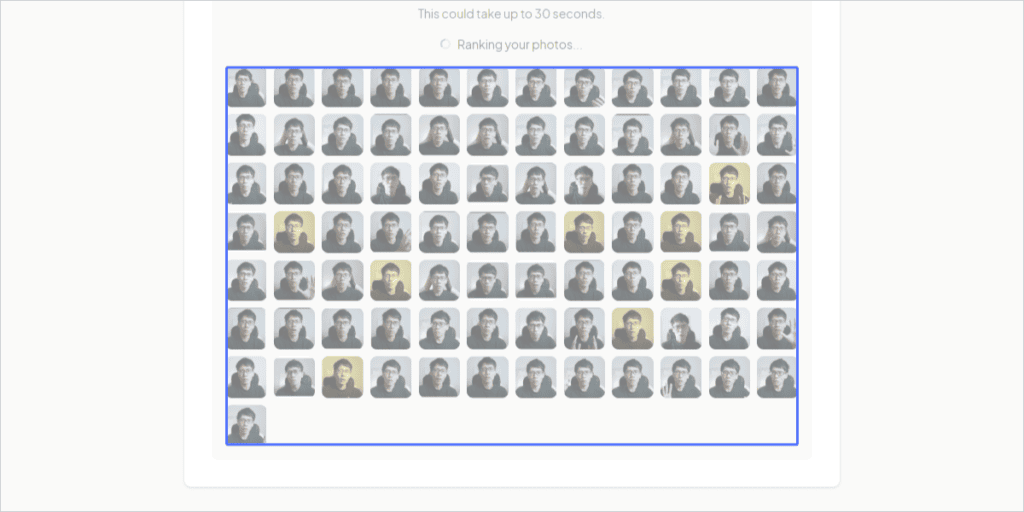
In addition, low-quality photos are marked in orange from here. We recommend that you delete these photos.

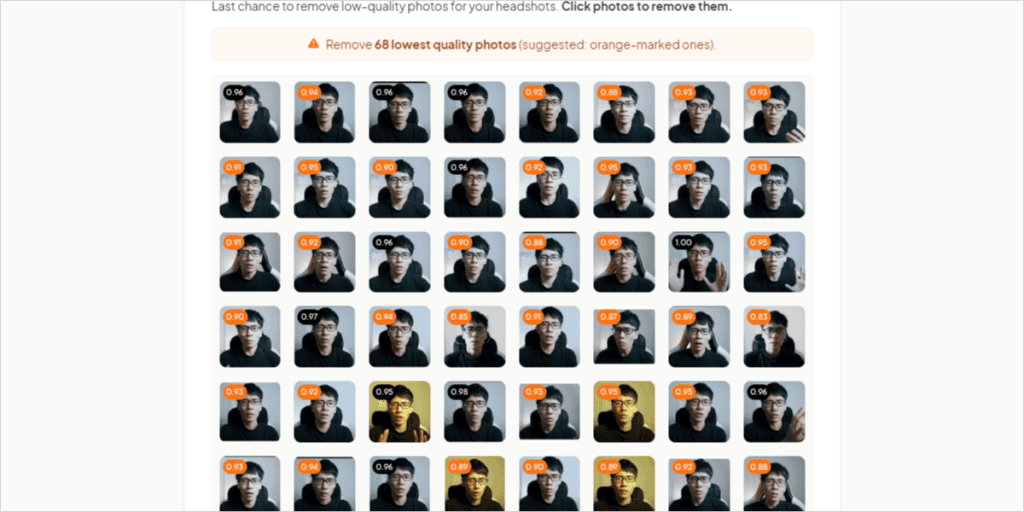
After that, click on the button that says "Submit to create your headshots".

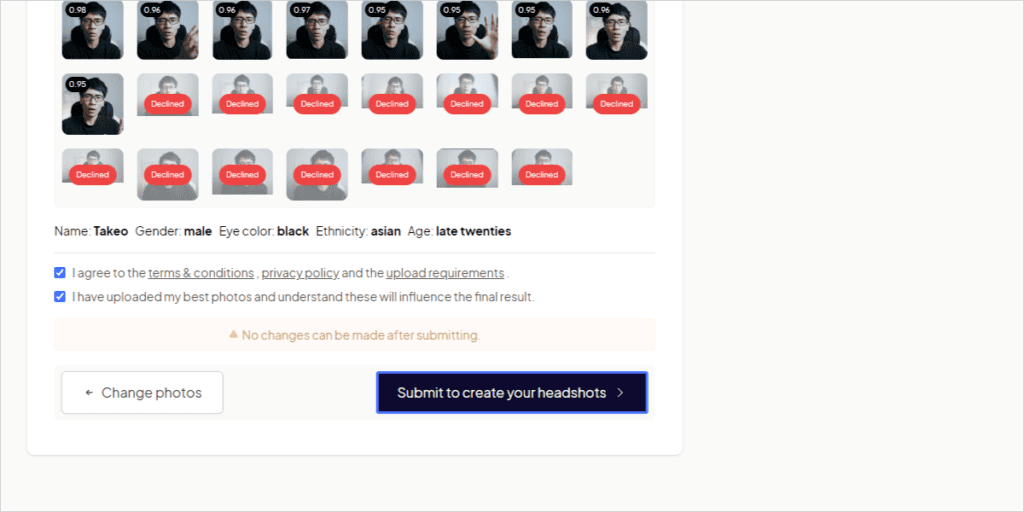
This will take you to the page below.

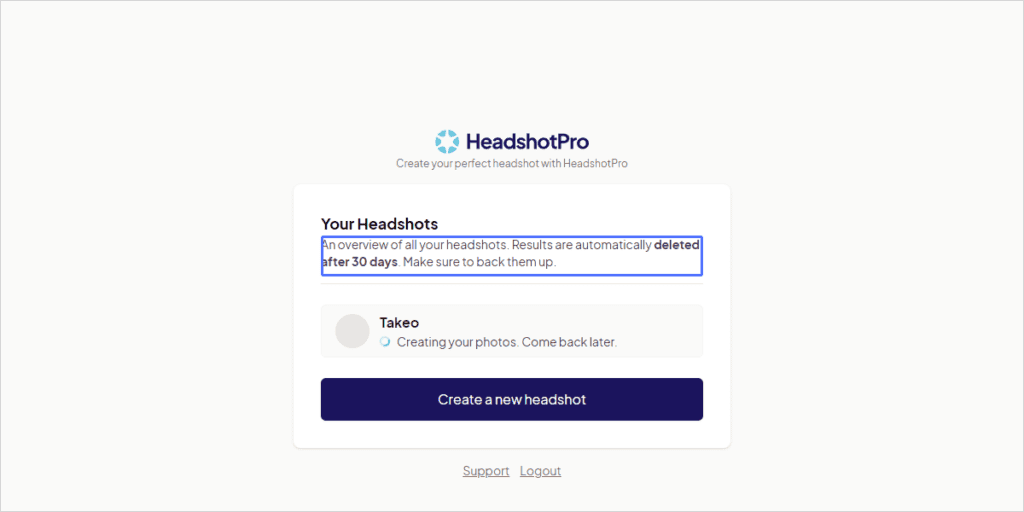
It takes about 1 hour ~ 2 hours to create a photo of your AI. You don't need to keep this page open. Don't worry, there is no problem with closing it.
Choose from AI avatars generated by Headshot Pro
It will take about 1 to 2 hours to create your own AI avatar image.

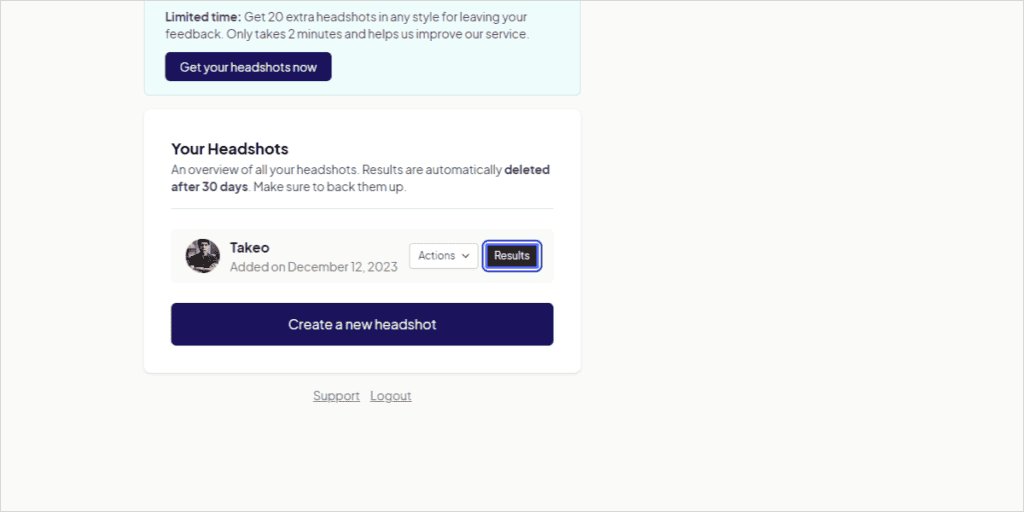
Click "Results" to open a page to select your favorite photos.
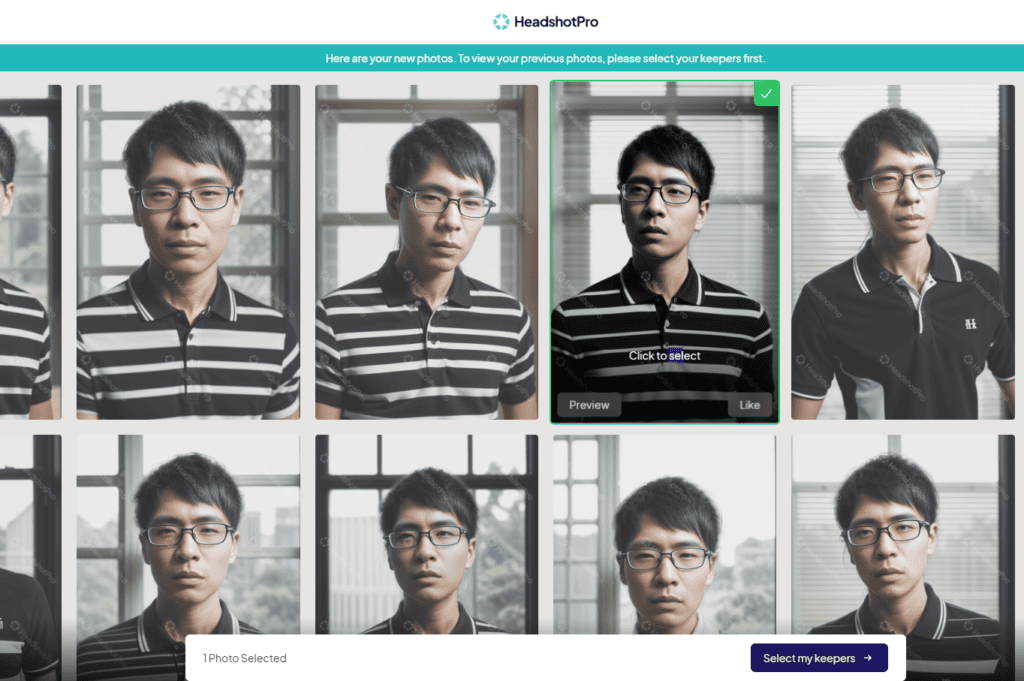
Click on "Pick my keepers".

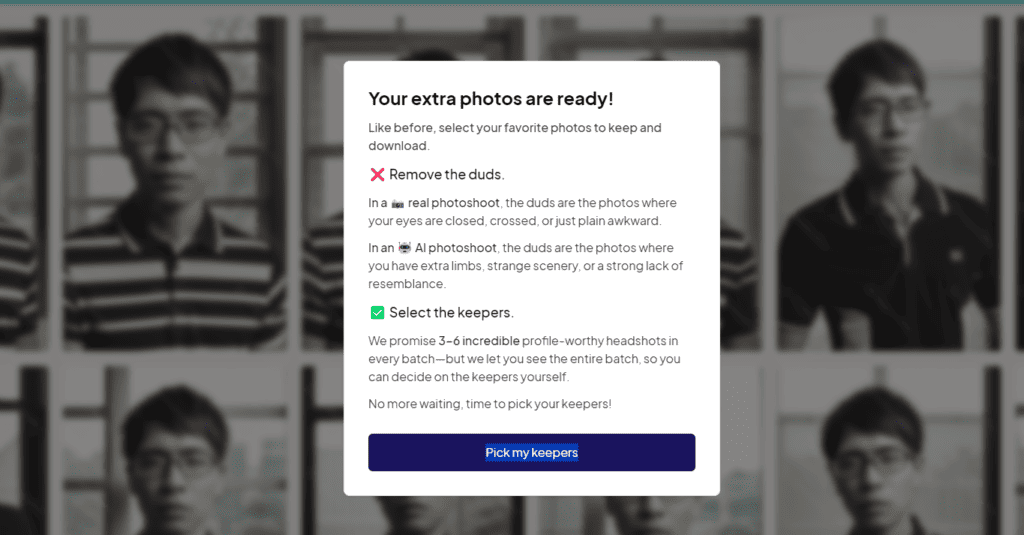
Numerous AI avatar images have been generated.

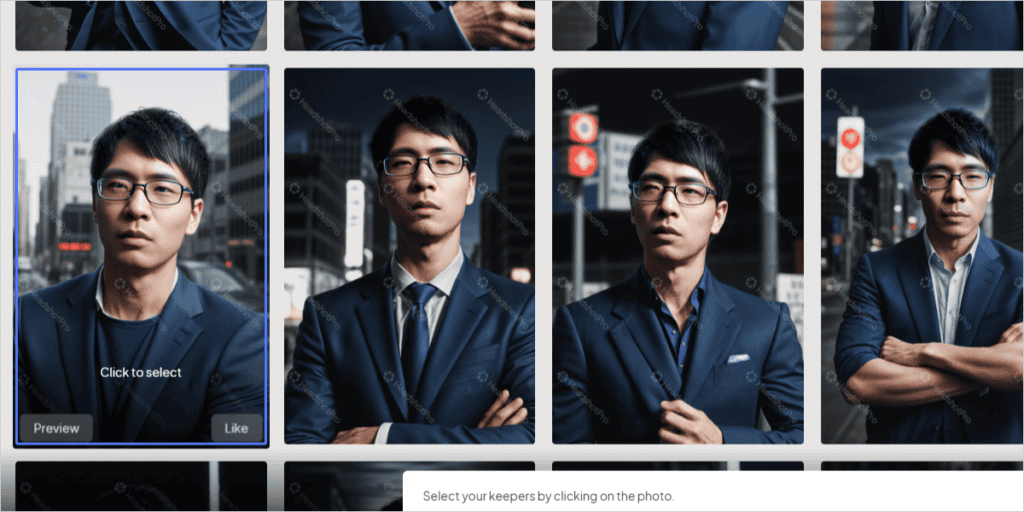

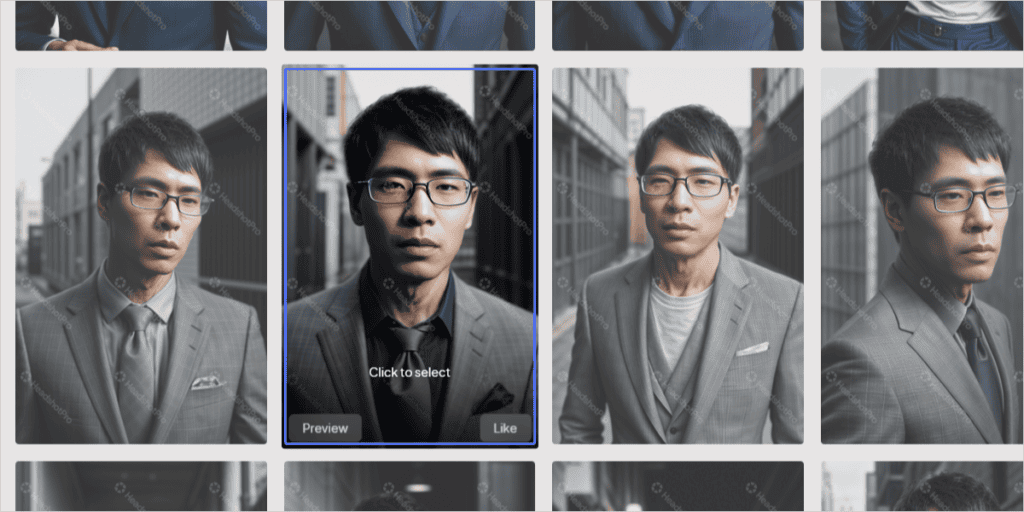
From here, select your favorite photo and press "Select".

You can download your favorite AI avatar images in bulk.

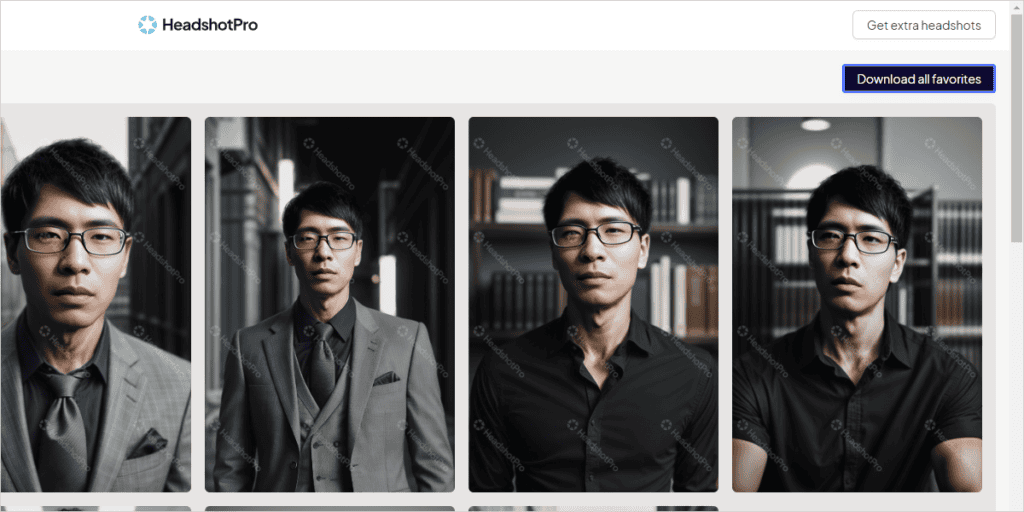
Click on the "Download all favorites" button in the top right corner of the page. Wait for a few seconds and the download will start automatically.

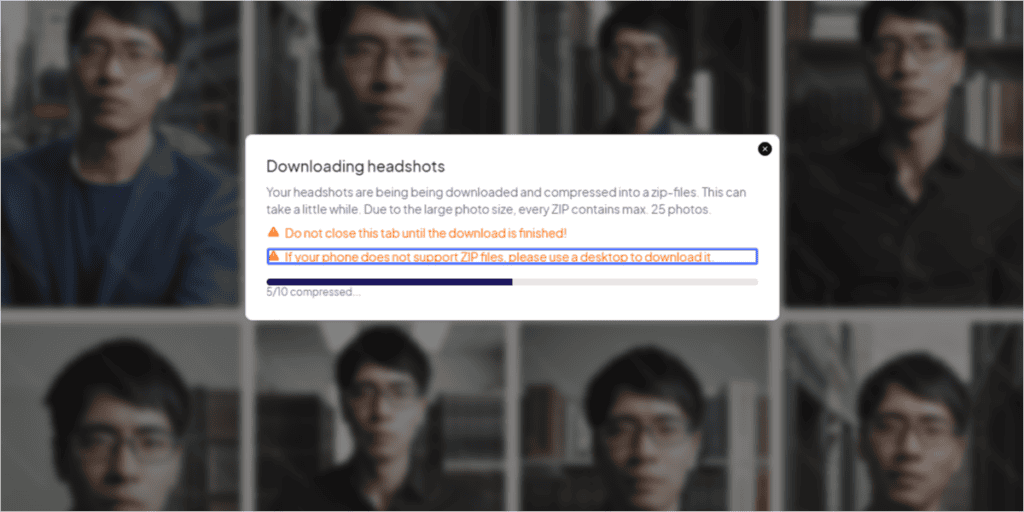
The image is available for download in ZIP file format.
Just upload a few photos of your face like this and choose a background or outfit. It will automatically generate high-quality AI avatar images. There are many types of backgrounds and outfits that you can choose freely.
Headshot Pro Pros
As those who are familiar with it know, there are other services that allow you to create a photo of your face with AI. You can also easily deepfake your face into other people's images.
Then you don't need a Headshot Pro, do you?"
You may think so. However, there are advantages to using Headshot Pro.
(1) High quality
First of all, it must be of high quality. We focus on studio-quality headshots that our development team can use in the field, and we don't produce low-quality images.
See the generated images in action.

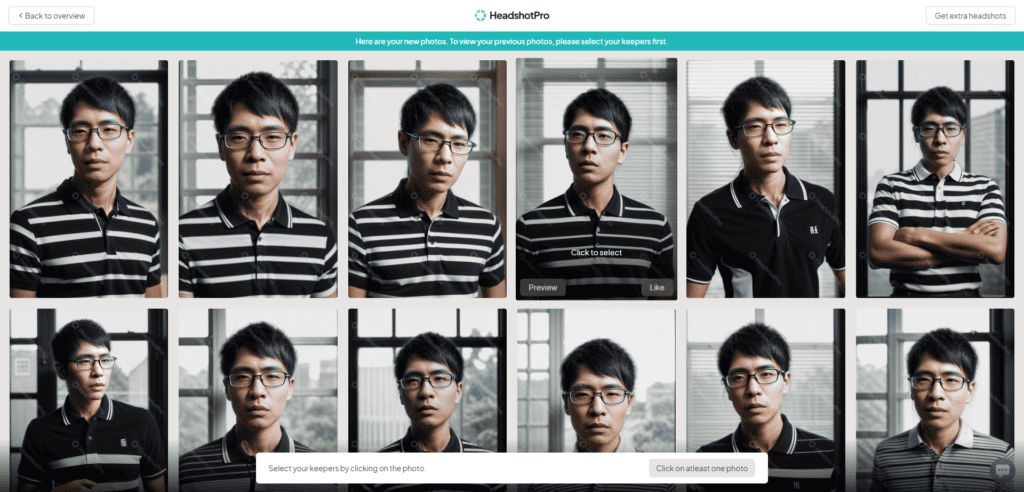
It generates a practical AI avatar image that you can use as your profile picture.
(2) Easy to use
Next is ease. It's easy to use.
Just upload a few photos of yourself. If you leave it alone,You can easily create high-quality business headshots at home.
You don't have to go out of your way to set your hairstyle, take clothes out of the closet that you can't wear, and go to a photo studio. No awkward conversations with the photographer are required.
(3) Safety
It is also excellent in terms of safety and privacy, and the ownership of the photos belongs to the user.
The data is securely stored on servers in the United States, and the uploaded face photos are not used for anything other than training the AI model and are deleted after 7 days.
Needless to say,It is available for commercial use.
You can freely use your headshots created with Headshot Pro without worrying about rights.
You can also pay securely with Stripe and PayPal. It also comes with a 14-day money-back guarantee (before downloading).
What I didn't like with HeadshotPro
HeadshotPro can create highly detailed and high-quality AI avatar images.
However, there are some disappointing points. Please see the image below.

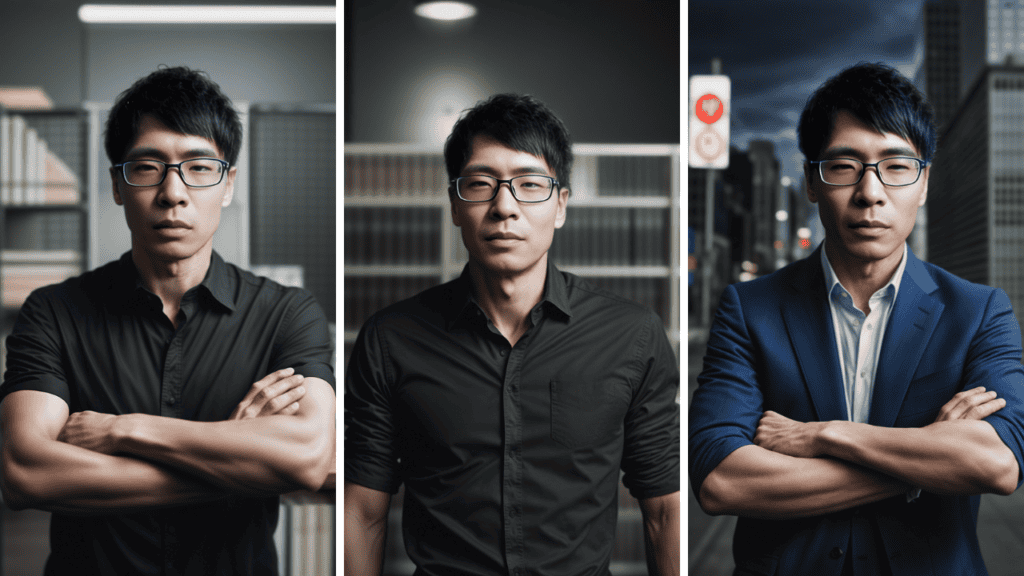
In this photoMy strong arm musclesPlease see.

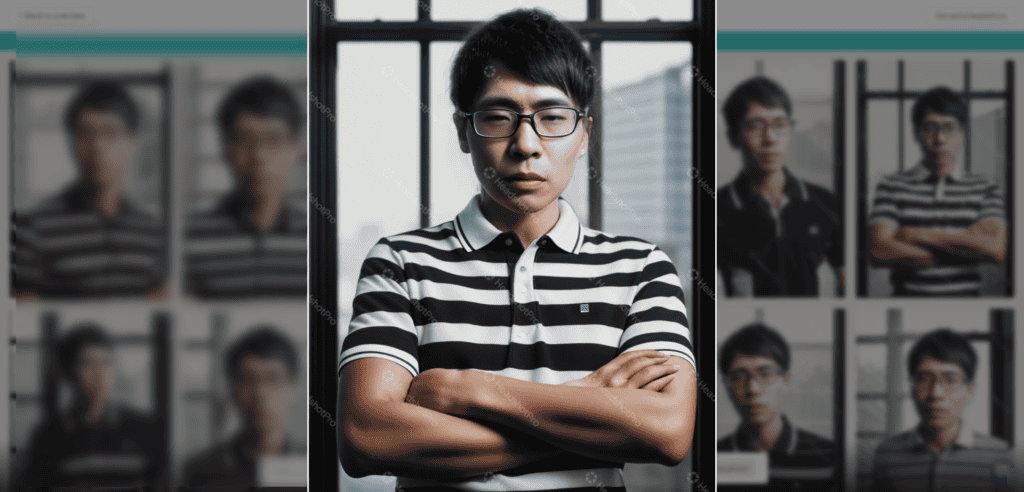
My arms were plump with AI avatars. In fact, I haven't trained my muscles so much.
It may also be acceptable, but it also generated a narcissistic photo like the one below.


All of them are good, but this photo is embarrassing for me as a shy.
HeadshotPro Pricing

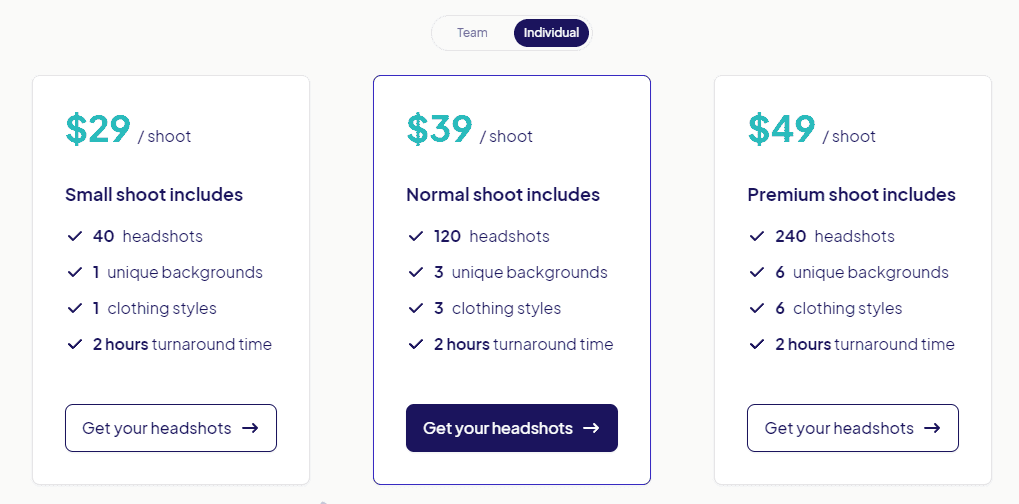
Pricing plans are available for Team (Team) and Individual (Individual).
If you want to create a profile picture for yourself, choose the Individual plan.
The cost varies depending on the number of images, backgrounds, and types of clothing.
- $29: Includes 40 headshots, 1 background, and 1 outfit.
- $39: 120 headshots, 3 backgrounds, and 3 outfits.
- $49: Includes 240 headshots, 6 backgrounds, and 6 outfits.
This time I chose the $39 plan.
The $29 plan also limits the backgrounds and outfits you can actually make. Also, for an additional $10, you can create more than three times as many profile pictures.We recommend the $39 plan.
FAQs of HeadshotPro
Each image contains patterns, logos, but these disappear when downloaded. It is only visible in the preview phase. Don't worry.
Summary: HeadshotPro is recommended for busy entrepreneurs and business owners
So far, we have explained about HeadshotPro.
People who use this servicePeople who want AI avatars that can be used in their own businessI think so.
Me too. Until now, I have not been satisfied with the AI avatars on the streets.
- Deformed anime style
- Not at all like myself
- For some reason, it becomes a Western-style face
- The quality is so bad that you can tell at a glance that it is AI
All of them were AI avatars that could not be posted on websites or used in business.
That's where I came across Headshot Pro
Before I used this service, I looked at HeadshotPro's pricing plans and thought, "Isn't it a bit expensive...".
However, you can get a high-quality profile picture for one-tenth of the cost of hiring a professional photographer. If you think about it like thatVery inexpensive.
This service is recommended for those who have not been satisfied with their AI avatar photos so far.
Give Headshot Pro a try.








![AI writing tool "Rytr" review and explanation of how to use it [2024]](https://sp-ao.shortpixel.ai/client/to_webp,q_lossy,ret_img,w_485,h_273/https://takeofujii.net/wp-content/uploads/2021/12/wefewfewf-485x273.png "AI writing tool \"Rytr\" review and explanation of how to use it [2024]")





We recommend 16 close-ups (close-ups of the face) and 1 photo of the upper body.Vary your facial expressions, locations, backgrounds, and perspectives. Also, make sure to upload high-quality photos. Makeup advises to be modest. Because sometimes makeup is too emphasized in photos. Nudity is not allowed, but swimsuit and underwear photos are fine.